
Why Is My Oven Door Locked After the Self-Clean Cycle Ends?
By General Appliance Service
An oven door locked after a self-clean cycle can be frustrating, especially when the display says cleaning is complete and the oven seems cool. The lock protects against extremely high cleaning temperatures and should release once the control recognizes safe conditions. If it remains engaged, the cause may involve the latch, switch feedback, wiring, or control. Do not pull on the handle or pry the door open, since doing so can damage the latch, hinges, glass, or door.
What a Technician Checks When an Oven Door Will Not Unlock
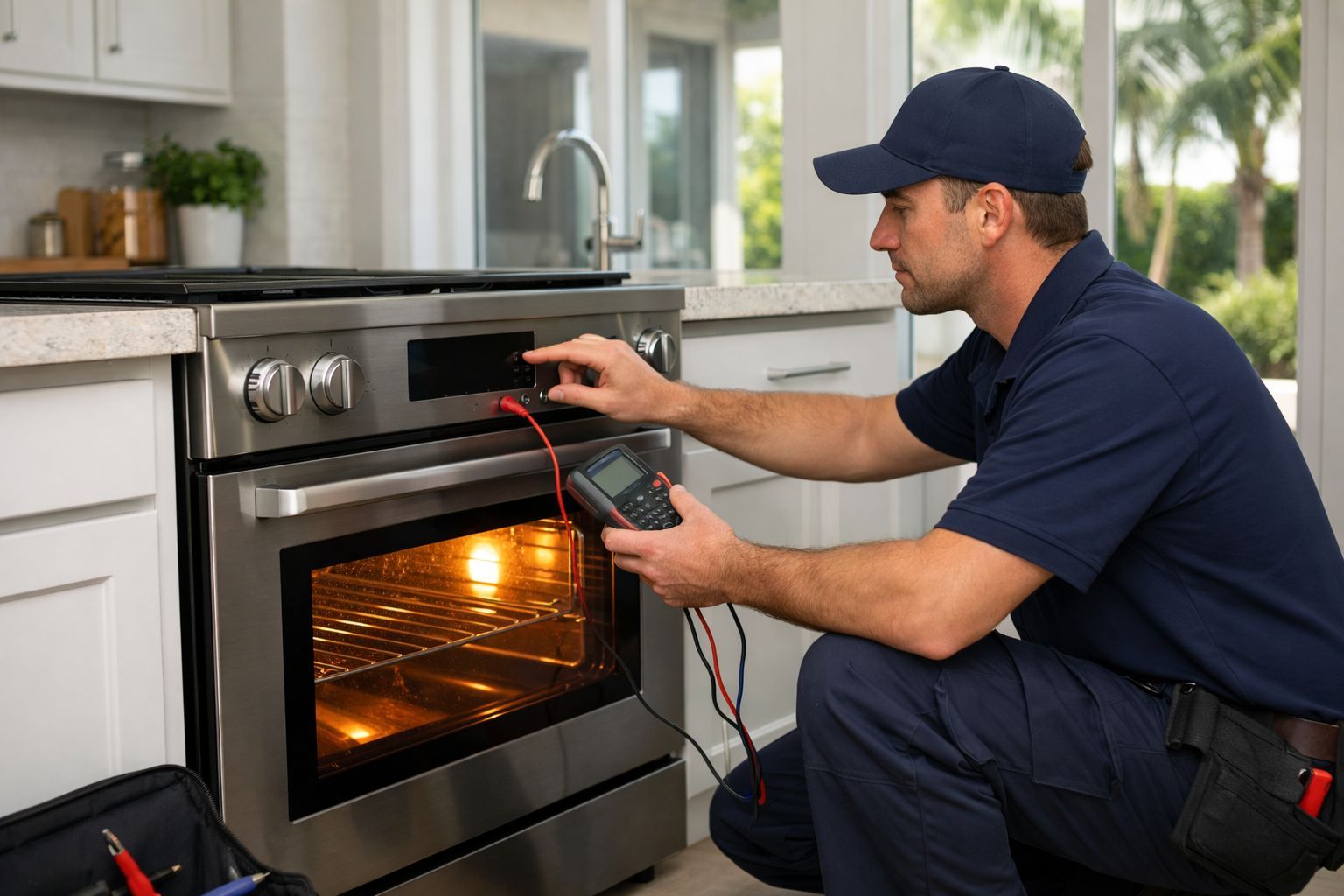
A locked door does not automatically mean the latch assembly has failed. A technician first confirms that the oven has completed its cool-down period, since some models remain locked longer than expected after a long self-clean cycle. The owner’s manual is the best guide for normal unlock timing.
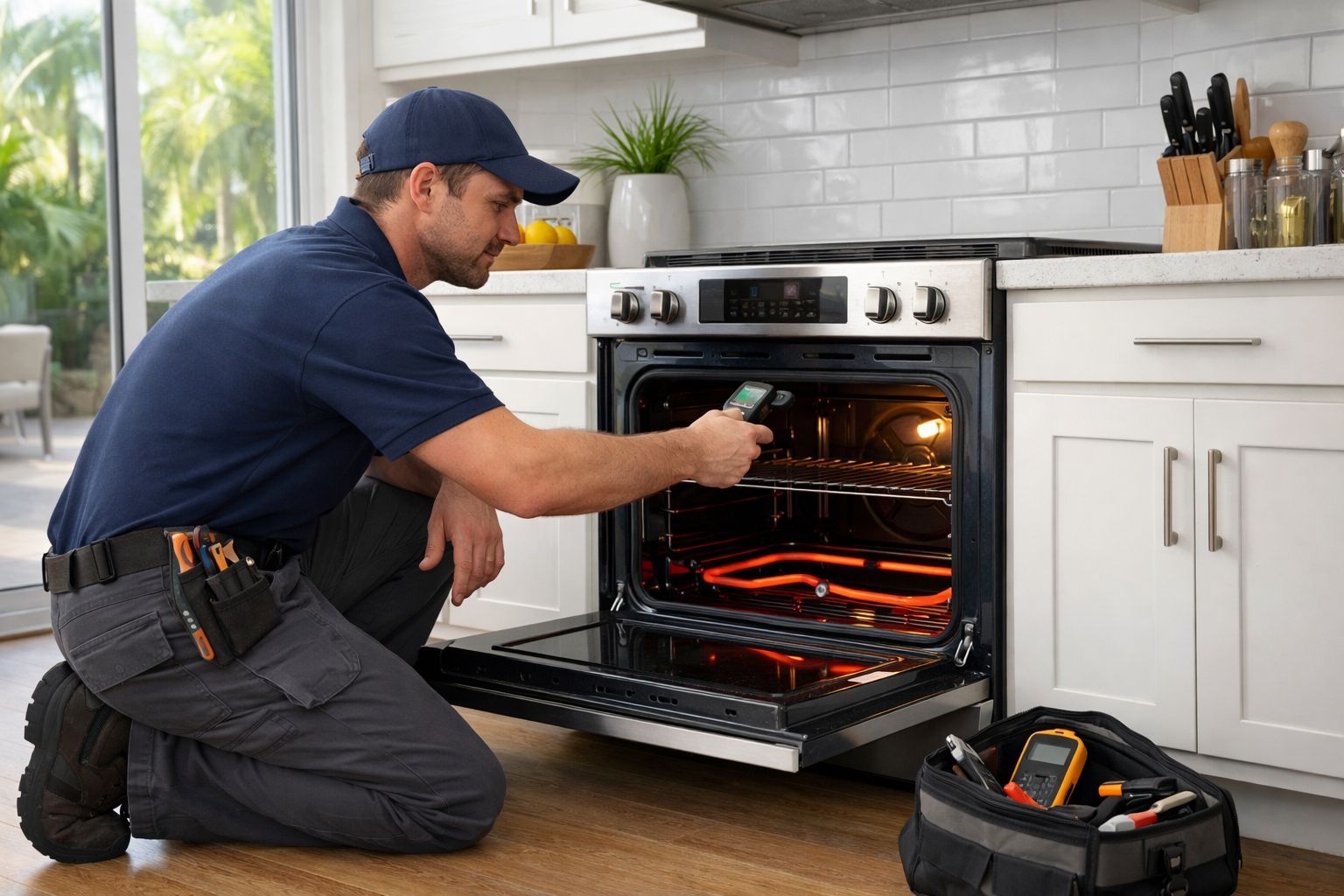
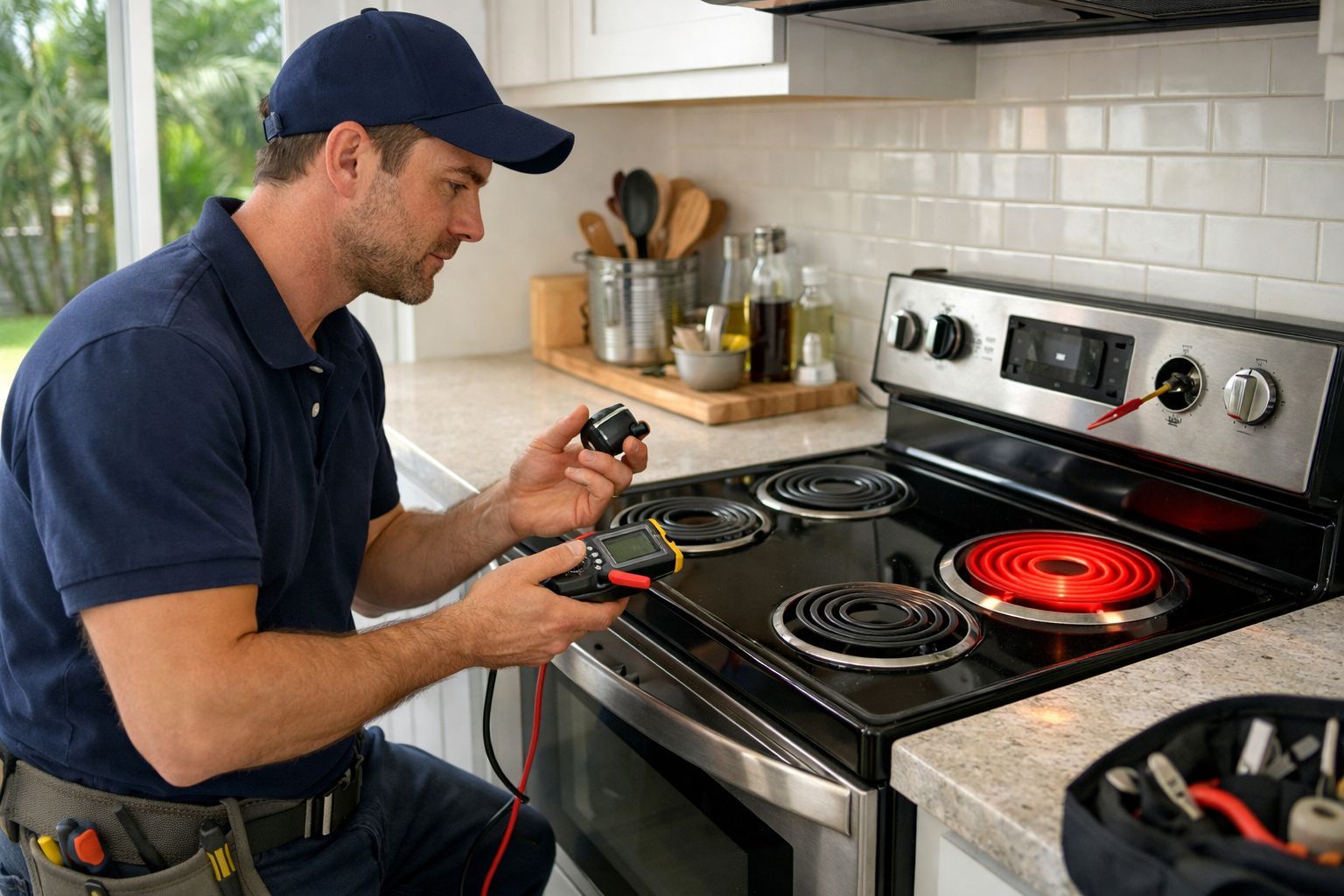
If the oven is fully cool, the lock sequence needs testing. The control sends power to a lock motor or actuator, which moves the latch. Position switches report whether that latch is open or closed. A weak motor, worn cam, binding latch, failed switch, loose connector, or damaged wire can interrupt the sequence.
The latch may still move mechanically while the control keeps it locked because it receives incorrect feedback. Self-clean heat can expose weak components that appeared normal during everyday baking.
Give the Oven Time to Cool Before Assuming It Is Stuck
Self-cleaning temperatures are much higher than normal cooking temperatures. Although the display may indicate that the cycle ended, heat can remain in the oven insulation, door area, and internal components. The control may wait for a specific temperature before releasing the lock.
Confirm that the cycle was canceled or completed, then allow the oven to cool fully without restarting cleaning or repeatedly pressing controls. Starting another self-clean cycle to “reset” the latch can worsen an existing problem.
Listen for useful clues while waiting. One brief click or movement may be normal. Repeated clicking, rattling, error codes, or an erratic display can point to a lock or control issue. Photograph any error code and the model tag if it is accessible safely. For oven and range repair in Palm Coast, those details can help identify likely mechanical, electrical, or control-related concerns.
What You Can Safely Do—and What Not to Do
Check the manufacturer manual for the expected post-clean unlock time and any approved reset procedure. If the manual specifically permits a power reset, follow its instructions. Turning power off and back on may change the display or release the lock on some models, but it does not confirm why the door remained locked.
Do not repeatedly cycle the breaker, remove oven panels, force the latch with a tool, or attempt to defeat the lock. Built-in and slide-in ovens have model-specific wiring, access points, and safety switches. Incorrect access can damage insulation, glass, electronic controls, or the door mechanism.
Stop using the oven and arrange service if you notice smoke, sparks, a burning smell, repeated breaker trips, or heat at the outlet, cord, or control area. These signs may indicate heat-related electrical damage rather than a simple stuck latch. Homeowners can also schedule appliance repair in St. Augustine Beach for a post-clean lock fault or electrical concern.
Why Self-Cleaning Can Reveal Hidden Oven Problems
A self-clean cycle places substantial stress on an oven. It runs at very high temperatures for an extended time, then depends on the control, temperature signals, and door-lock system to complete a safe cool-down and unlock sequence.
A connection can expand and lose contact under heat. A lock motor can become weak or bind. A position switch may fail to confirm latch movement. In other cases, the control board does not receive reliable feedback and never sends the correct unlock command.
Accurate diagnosis matters because replacing a latch alone can miss a wiring or control problem. Likewise, replacing a control board without checking latch travel, switch feedback, and power supply can waste money. Premium and built-in models may use different lock designs and fault displays, so owners may need model-specific Thermador oven and range repair instead of relying on a generic error code.
Frequently Asked Questions About an Oven Door Locked After Self-Clean Cycle
How long should an oven door stay locked after self-cleaning?
Timing varies by model and cycle temperature. The door may stay locked until the control detects a safe cool-down temperature, so check the owner’s manual first.
Why is my oven cool but the lock will not release?
The cavity may feel cool while the control detects a lock fault. A stuck latch, failed switch, wiring issue, or control error can prevent release.
Will turning the breaker off unlock the door?
A power reset can change the display or release some models, but it is not a guaranteed repair. A failed latch, switch, wiring connection, or control may remain faulty.
Can I force open a locked oven door?
No. Forcing the door can damage the latch, hinges, glass, and electronic components. Allow full cooling, use only approved manual instructions, and arrange service if needed.
Why is my oven clicking after self-cleaning?
Clicking may be a lock motor trying to move or a control repeatedly checking latch position. Repeated noise after cool-down warrants professional diagnosis rather than force.
If the oven remains locked beyond its normal cool-down period, displays an error, or loses normal cooking functions, professional testing can confirm whether the failure is mechanical, electrical, or control-related.